 Steamy
Built for PC gamers who want
complete control.
Steamy replaces cluttered launchers, disjointed browser tabs, and folders of utility scripts with one unified, keyboard-friendly Windows application.
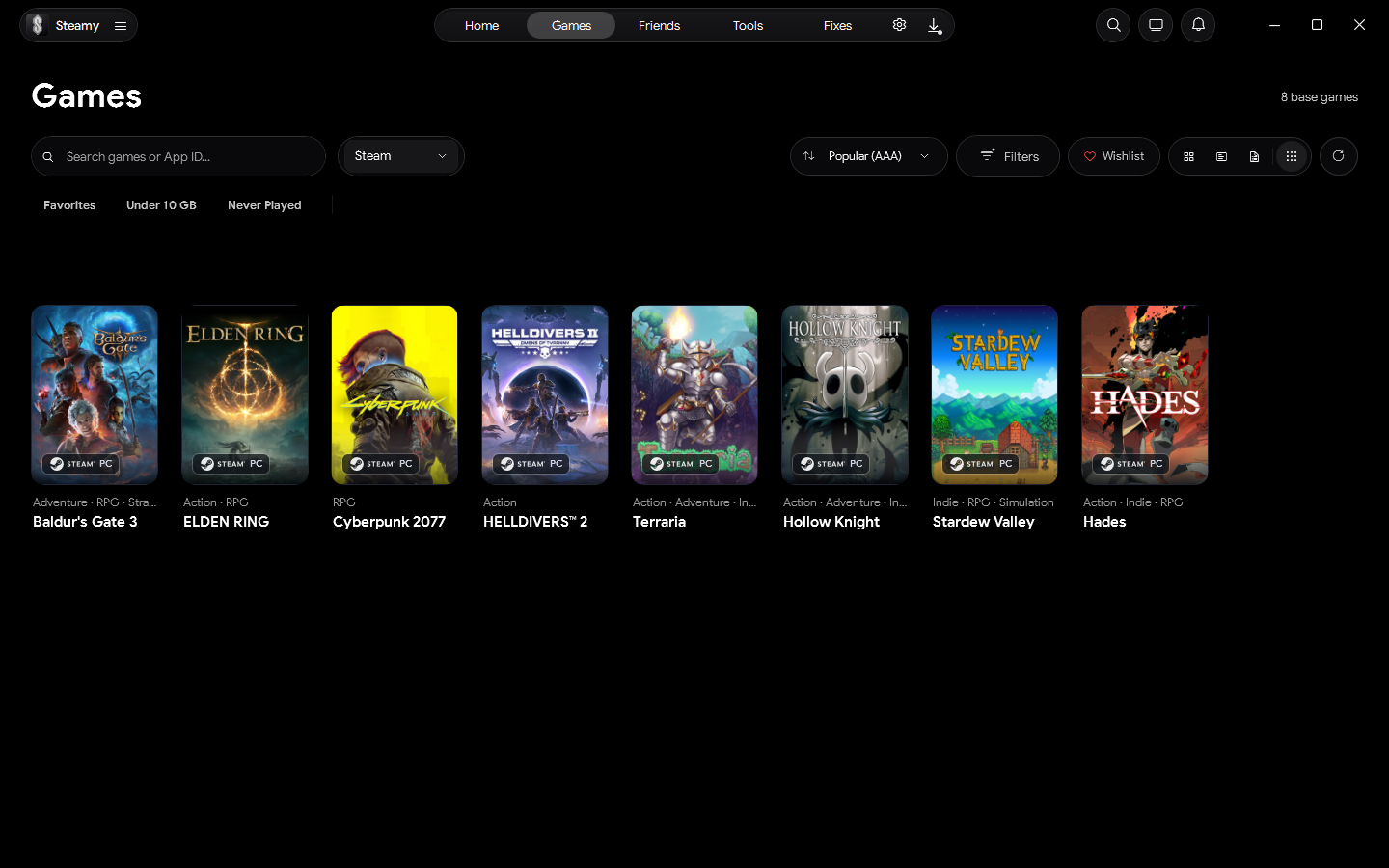
Every game, everywhere, in one high-speed grid
Steamy scans your local Steam installations, emulated directories, and standalone folders, organizing everything into an ultra-fast, artwork-dense library.
- Sub-millisecond fuzzy search by title, genre, or developer
- Filter by installed status, emulated titles, or favorites
- Custom launch arguments and per-game execution overrides
- Accurate play-time tracking with background idle suppression
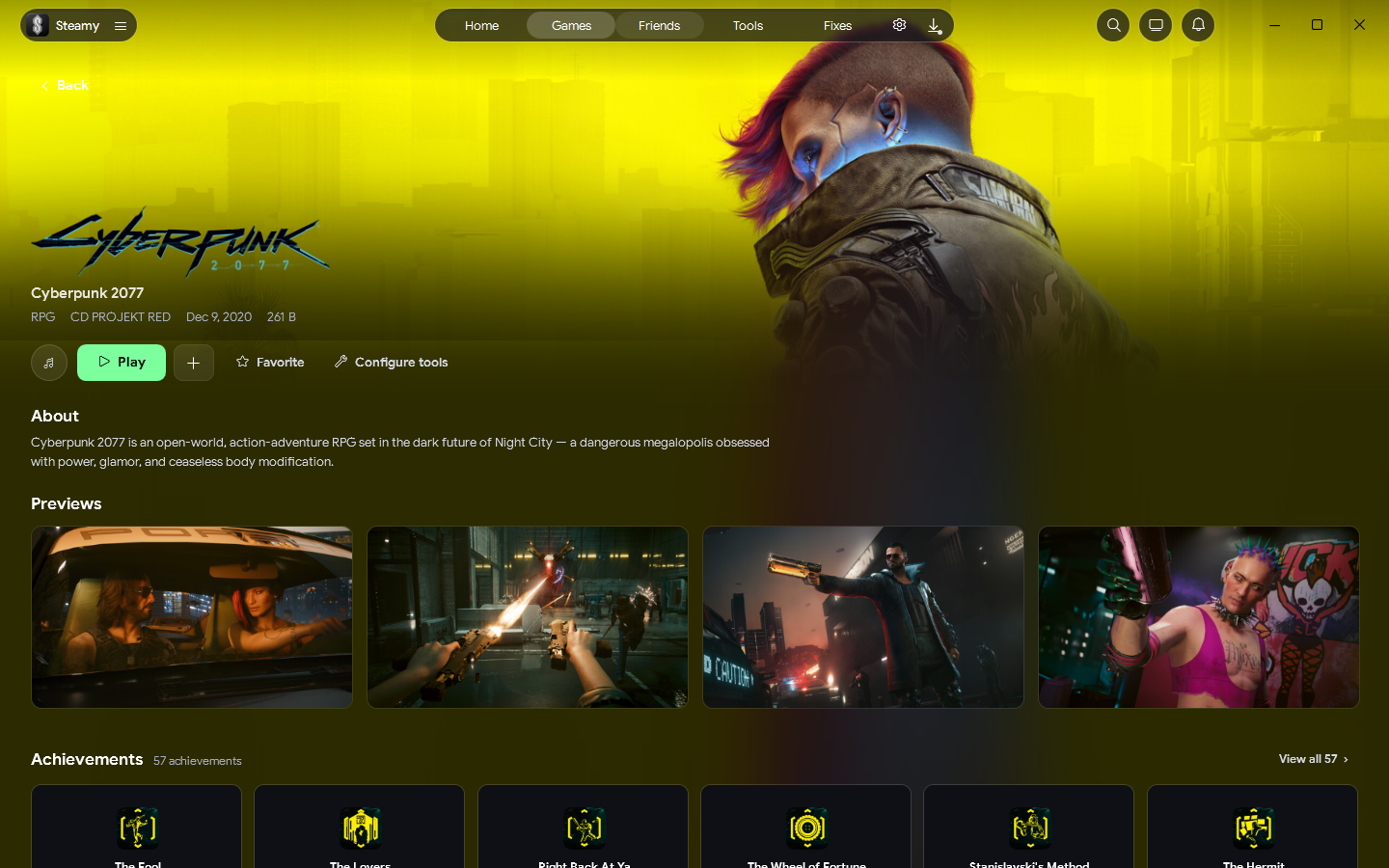
Game details tinted with adaptive artwork palettes
Select any game to enter a cinematic experience. Steamy extracts the dominant color spectrum from the official banner art and dynamically tints the UI, backdrop, and controls in real time.
- Real-time palette extraction powered by hardware acceleration
- Steam community review breakdown and aggregate sentiment
- Full achievement progress tracking with unlock timestamps
- One-click access to game folder, save backups, and tools
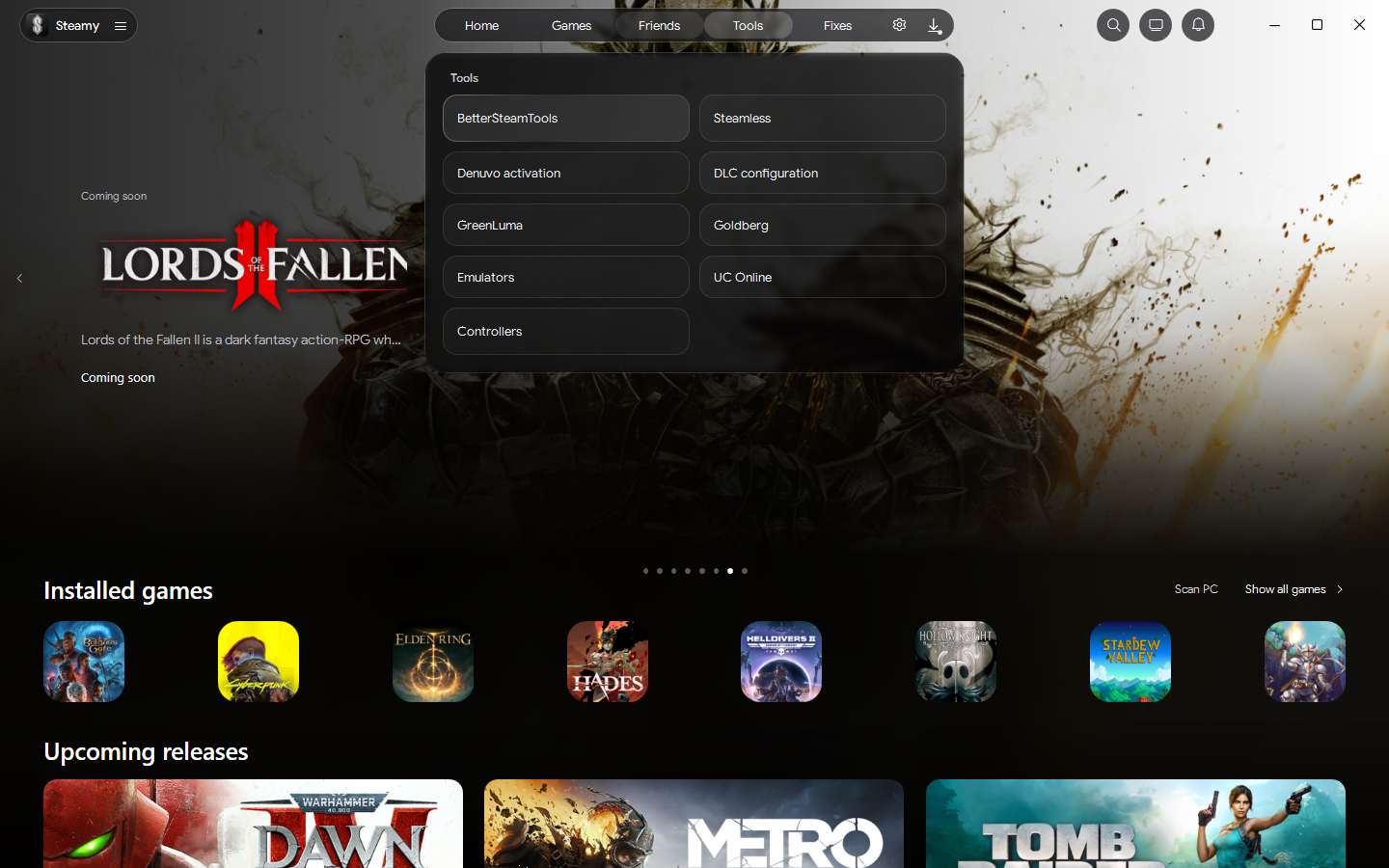
Integrated fixers & unpackers with automatic rollback
No more digging through ZIP files, command prompts, or risky manual config edits. Steamy provides structured, verified UIs for community tools like Steamless, Goldberg, and CreamAPI.
- Automatic pre-execution backup of original executables & DLLs
- Real-time streaming stdout/stderr terminal with error diagnosis
- DLC manifest validation and automatic syntax check
- Safe 1-click restore to vanilla state at any time
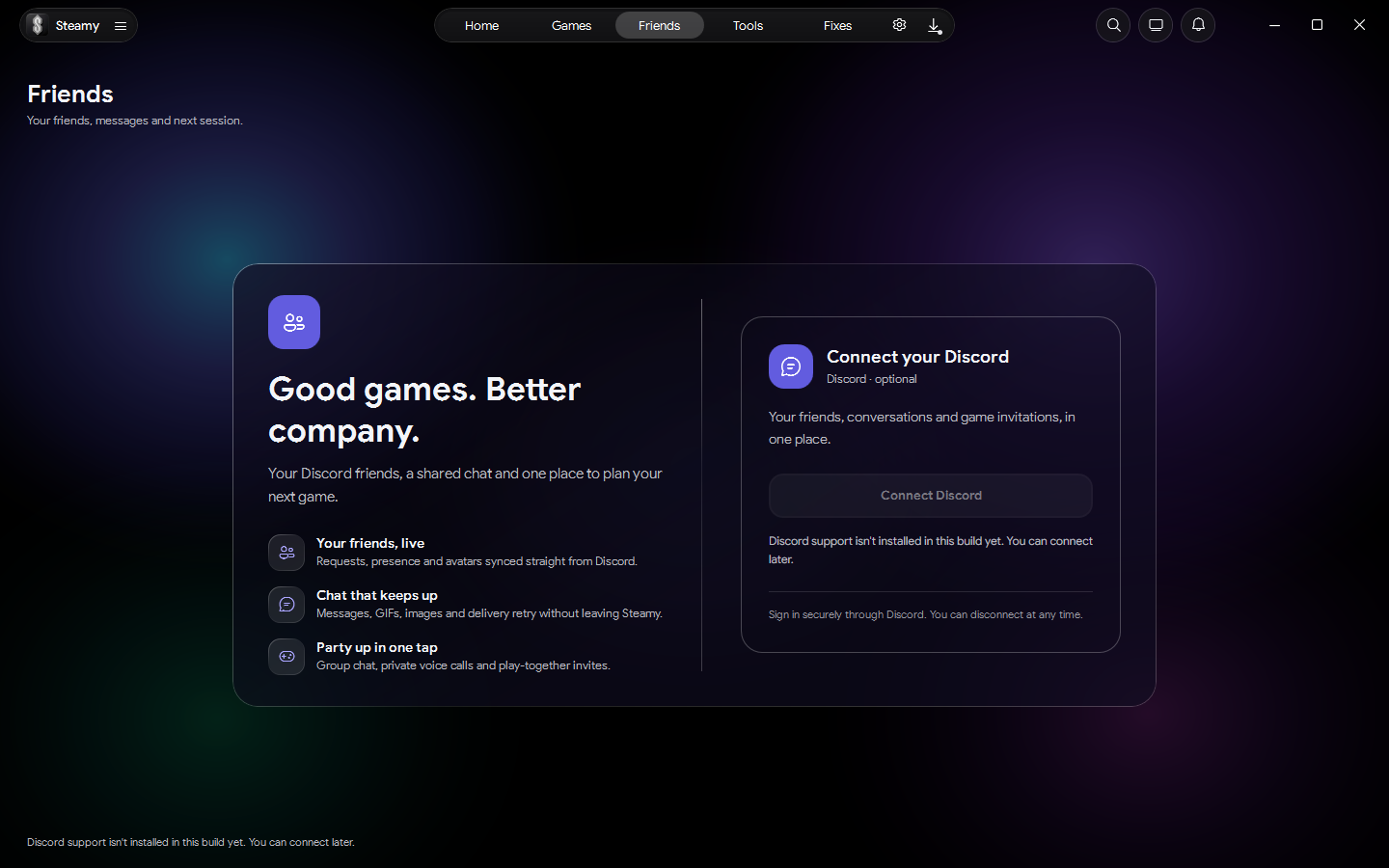
Optional Discord bridge without alt-tabbing
Connect your Discord account to chat with friends, participate in voice lobbies, share game invites, and inspect game statuses directly inside Steamy's side dock.
- Integrated direct message chat with Tenor & Klipy GIF pickers
- Rich Presence showing current game, map, and party status
- Zero bloat: entirely optional and disabled by default
Gamepad navigation and Big Picture mode
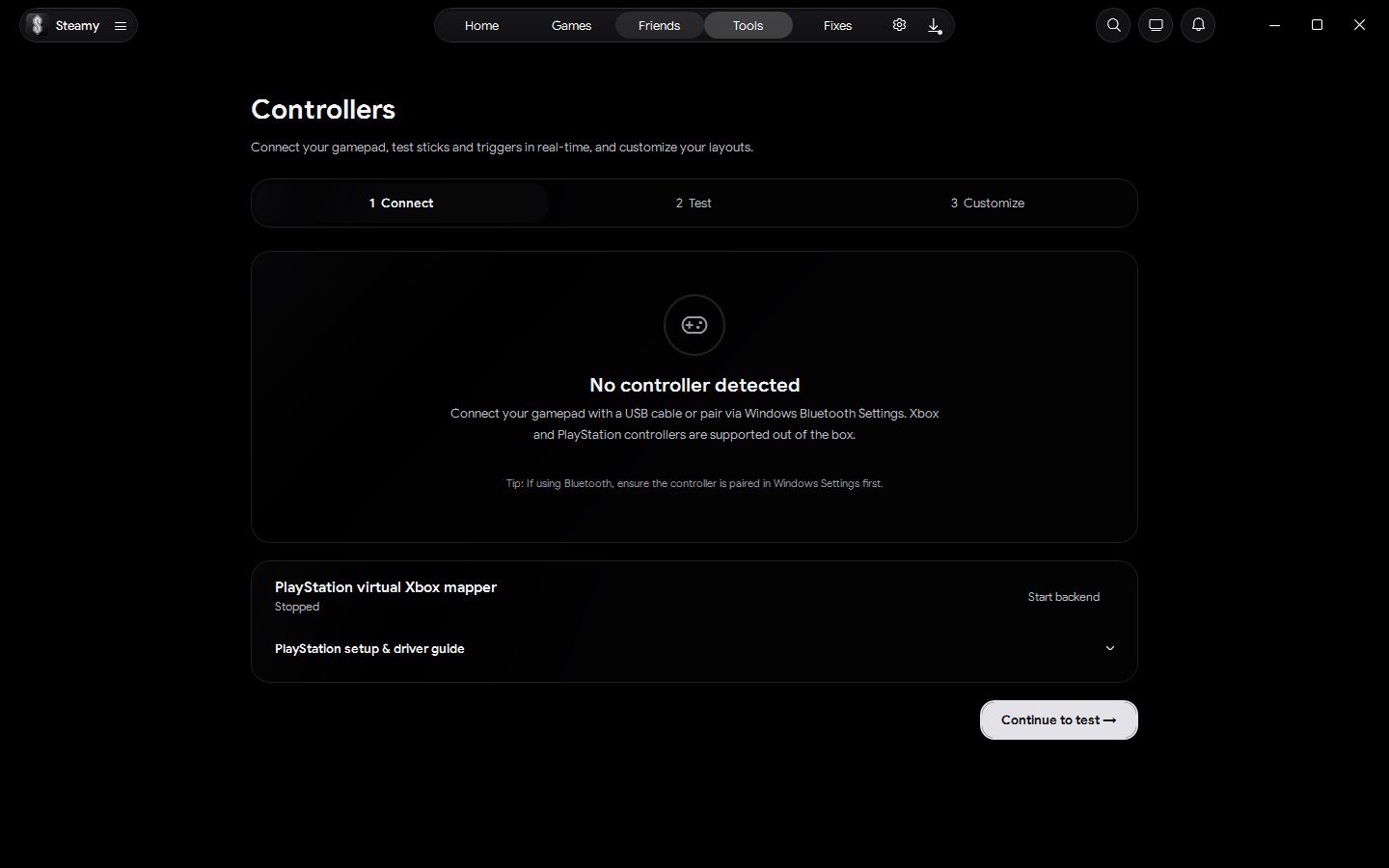
Whether you're playing at your desk, on a living room couch, or on a Windows handheld (ROG Ally, Legion Go), Steamy offers seamless controller navigation.
- Full Xbox, DualShock 4, and DualSense native mapping
- On-screen virtual keyboard for gamepad typing
- Dedicated Big Picture interface with smooth horizontal snap-scrolling
Your PC, your files, zero corporate surveillance
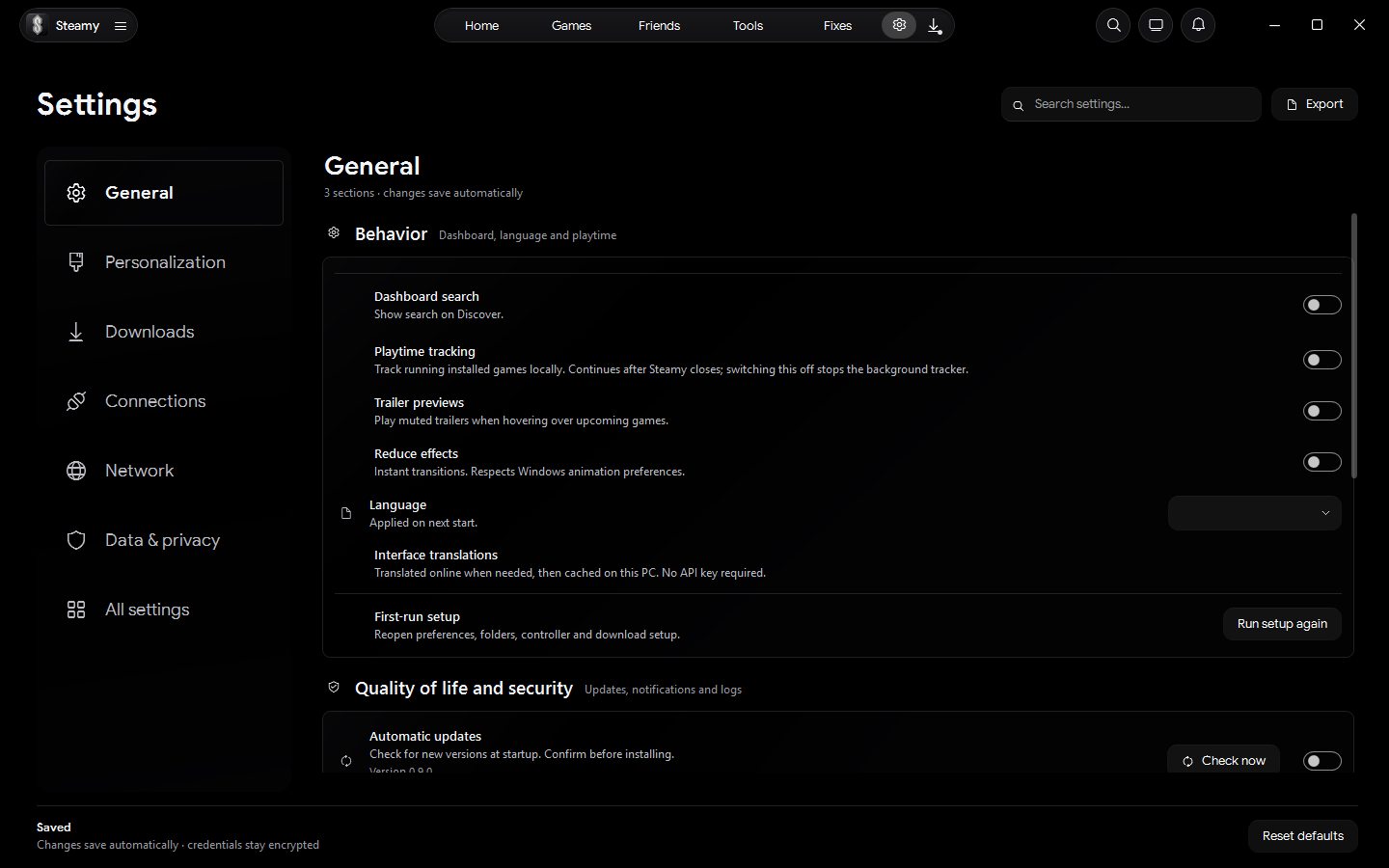
Unlike commercial launchers that require always-on accounts and harvest your behavioral data, Steamy stores everything on your local drive.
- Windows DPAPI hardware-backed encryption for all stored credentials
- Offline mode works permanently without time limits or sync nags
- 100% Free and open source under the permissive MIT license
Experience Steamy on your PC today
Free, open-source, and setup in under 60 seconds. Works alongside your existing Steam client.